Back to Home
Case Study
Building a Design System to Streamline the UI/UX Workflow
Design System
Background
At Hayat Technologies, our design team operated in a decentralized structure that inevitably created functional silos. With three designers on the team, each individual managed separate design files according to their own distinct preferences. This meant that everything from color palettes and typography to component properties and spatial values was defined in isolation.
While this setup allowed for individual flexibility in the short term, it quickly evolved into a maintenance nightmare. Design handovers became incredibly complex, requiring extensive communication and manual alignment just to transition a project from one designer to another. Because there was no single source of truth, maintaining visual alignment across our digital products became an uphill battle, pulling valuable time away from actual product strategy and problem-solving.
Problem
The lack of a unified design infrastructure manifested in three critical operational bottlenecks:
Failure of Style Propagation: Because styles were decoupled across disparate design files, a global aesthetic adjustment required manual updates in every single file. Changes failed to propagate naturally, creating immediate visual debt across our products.
Incompatible Component Architecture: Components designed in one file could not be shared or reused in another because they simply did not fit together. This systemic incompatibility triggered a vicious cycle of manual adjustments, constant revisions, or entirely rebuilding layouts from scratch just to make elements cohesive.
Redundant and Repetitive Labor: The team was trapped in a loop of duplicating effort. Instead of focusing on user experience and new feature development, we spent significant portions of our week designing identical UI elements—such as buttons, text fields, and icons—over and over again.
Research and Process
To break down these silos, we set out to build a unified desktop-first UI kit (with built-in flexibility for mobile scaling). Rather than enforcing a rigid, restrictive system, we aimed to establish an adaptable framework that served the diverse needs of our company, that could still guide designers, eliminate redundant effort, secure visual consistency, and streamline future designer onboarding.
Our process began by analyzing existing industry-standard UI kits to extract best practices. From there, we systematically rebuilt our design ecosystem around three foundational pillars: brand identity, an advanced icon library, and a rigorous token and component architecture.
Establishing the Brand Identity
We began by defining our core typography standards, typefaces, font scales, and component properties. We translated the core Hayat Brand Identity into explicit visual guidelines designed to strike a precise balance: projecting an identity that is inherently sophisticated yet distinctly approachable.
Building a Searchable 1,000+ Icon Library
We developed a custom asset ecosystem comprising over 1,000 unified icons, allowing the team to add niche, product-specific graphics on-demand. To solve the industry-wide problem of asset discovery, we heavily optimized Figma’s native metadata capabilities:
Figma Description Mapping: Instead of relying solely on rigid component naming conventions, we utilized the
descriptionfield of every single icon component to embed extensive, searchable keywords.Conceptual and Visual Tagging: We mapped both raw visual descriptors and abstract conceptual keywords to each asset. For example, an icon depicting a doctor sitting in front of a laptop was meticulously tagged with:
doctor, person, laptop, sitting, teleconsultation, records, clinic.
While front-loading this metadata required a significant time investment, it completely transformed asset discovery. Designers could now search by related concepts and immediate workflows rather than memorizing exact file names, making icon discovery practically instantaneous.
Developing a Three-Tier Token Architecture
Inspired by Material Design conventions, we built a highly scalable, three-tier design token structure to handle color and spacing variables systematically:
Base Tokens (Raw Values): These represented our foundational building blocks. Global color palettes were mapped on a scale from 50 (with sensitive colors like grays extending down to 25 for finer fidelity) up to 900. Sizing and spatial values were strictly structured from $XS$ to $XL$ using multiples of 4.
Alias Tokens (Contextual Intent): These semantic tokens defined the purpose of a value across contexts rather than its raw color. Examples included
accent,accent-hover,accent-pressed,border-light,border-medium, andborder-heavy.Component Tokens (Specific Use Cases): Scoped tokens derived directly from our aliases to control exact UI elements. For instance, rather than mapping a raw color to a button, we utilized highly specific tokens like
button-background,button-background-hover,button-background-pressed, andbutton-border.
Variant and Component Architecture
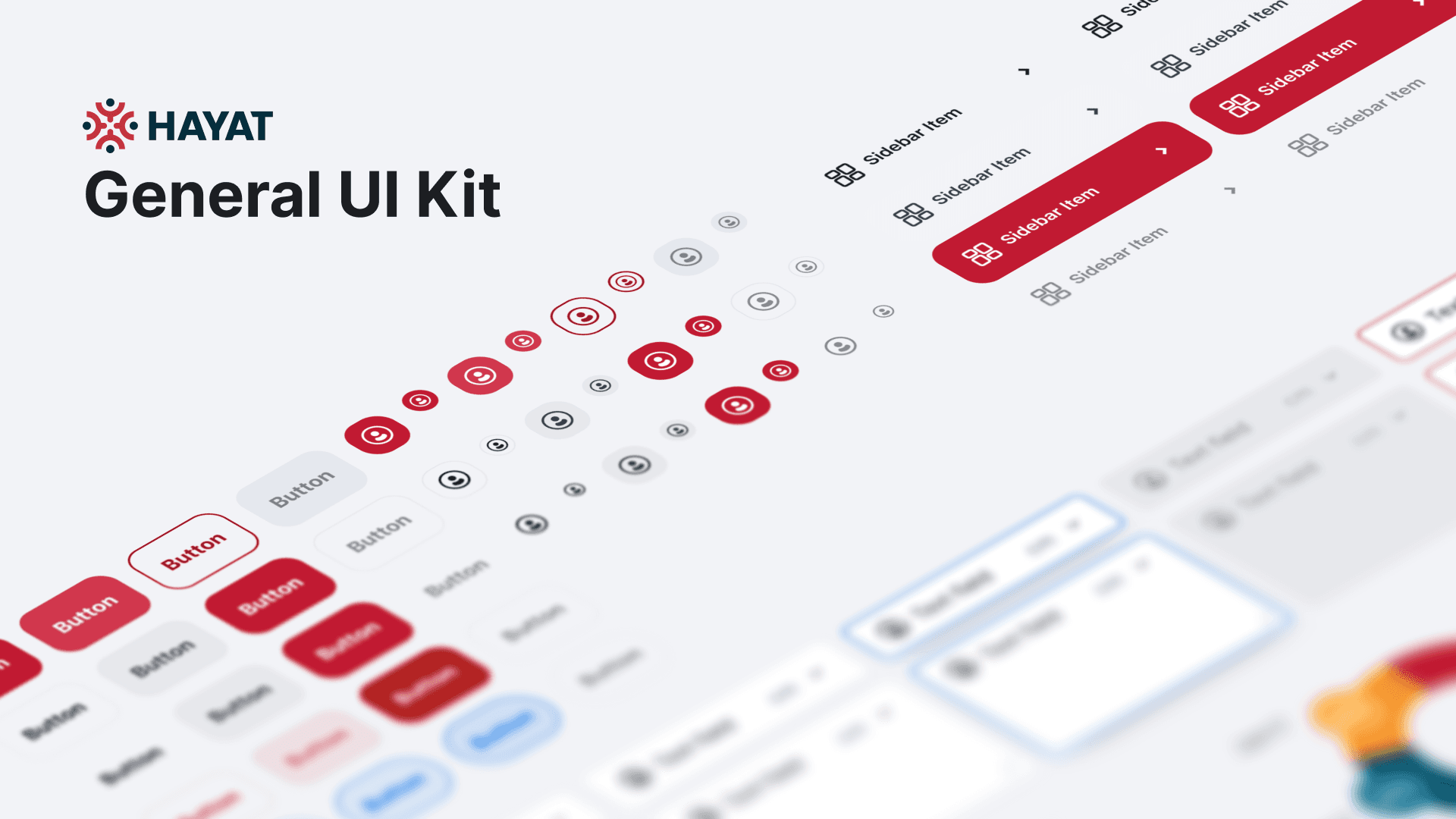
When constructing our design components, we leveraged Figma variants to cleanly map structural types against interaction states. A standard button component, for example, organized its Types (Primary, Secondary, Ghost) directly against its interactive States (Hover, Pressed, Disabled).
Furthermore, we used component properties to give designers dynamic control over specific structural values. Right from the sidebar, a designer could instantly change a button's text content, toggle the presence of leading or trailing icons, and hot-swap the internal icons themselves—which automatically pulled from our deeply tagged icon library.
To keep files organized, we structured all layouts into a strict three-level atomic hierarchy:
Component: Individual interactive elements (e.g., a Text Field or a Button).
Pattern: Combined components forming reusable functional blocks (e.g., a Login Modal).
Page (Template): Full-scale layouts constructed from patterns (e.g., a complete Login Page).
Impact
The introduction of the unified UI kit fundamentally altered the design operations and shipping velocity at Hayat Technologies:
Productivity Skyrocketed: By eliminating the need to rebuild components from scratch, the design team’s output rate increased by 200% to 300% compared to the historical baseline.
Frictionless Visual Consistency: The team achieved product-wide visual cohesion seamlessly. Designs across different product modules now align perfectly out-of-the-box, requiring minimal manual correction or executive oversight during reviews.
Instant Designer Onboarding: The system serves as an explicit source of truth. New design talent can join active projects and begin producing production-ready layouts immediately with virtually zero prior training or system handholding.
A Living, Iterative Ecosystem: Beyond the immediate metrics, the framework has established a healthy feedback loop. As our team deploys the kit daily, we naturally discover minor logical gaps or edge cases, enabling us to continuously and iteratively improve the system without disrupting active product pipelines.
" width="129.4974px"><path d="M 14.389 129.497 C 6.442 129.497 0 123.055 0 115.109 L 0 14.389 C 0 6.442 6.442 0 14.389 0 L 115.109 0 C 123.055 0 129.497 6.442 129.497 14.389 L 129.497 115.109 C 129.497 123.055 123.055 129.497 115.109 129.497 Z M 19.844 111.512 L 39.153 111.512 L 39.153 49.16 L 19.844 49.16 Z M 111.512 111.512 L 111.512 72.035 C 111.512 55.331 102.044 47.256 88.819 47.256 C 75.587 47.256 70.019 57.56 70.019 57.56 L 70.019 49.16 L 51.499 49.16 L 51.499 111.512 L 70.019 111.512 L 70.019 78.781 C 70.019 70.011 74.056 64.794 81.783 64.794 C 88.886 64.794 92.296 69.808 92.296 78.781 L 92.296 111.512 Z M 29.405 40.997 C 35.714 40.997 40.822 35.846 40.822 29.491 C 40.822 23.137 35.714 17.986 29.405 17.986 C 23.097 17.986 17.986 23.137 17.986 29.491 C 17.986 35.846 23.097 40.997 29.405 40.997 Z" fill="rgb(255, 255, 255)" height="129.4974px" id="tQhef5xiF" width="129.4974px"/></g></svg>)
" width="147.71161370654292px"><path d="M 0 100.243 L 91.308 100.243 L 108.48 129.981 L 25.689 129.981 C 19.965 129.981 14.939 126.63 12.426 121.743 Z M 147.712 100.382 C 147.712 103.733 147.014 105.409 144.78 109.318 L 132.913 129.841 L 57.94 0 L 83.629 0 C 89.353 0 94.239 3.211 96.753 7.958 L 145.338 92.285 C 146.874 94.658 147.712 97.451 147.712 100.382 Z M 79.161 79.022 L 12.286 79.022 L 45.793 21.082 Z" fill="rgb(255, 255, 255)" height="129.98063325732423px" id="FUASIh1Sc" width="147.71161370654292px"/></g></svg>)